

e21224
Lrtzcbi Portable Monitor 15.6 Inch, 1920x1080P FHD IPS Panel with USB C and HDMI Port, Portable Monitor for Laptop/PC/Phone/Xbox/Switch/PS4/Raspberry pi/Computer
Lrtzcbi Portable Monitor 15.6 Inch, 1920x1080P FHD IPS Panel with USB C and HDMI Port, Portable Monitor for Laptop/PC/Phone/Xbox/Switch/PS4/Raspberry pi/Computer
Couldn't load pickup availability
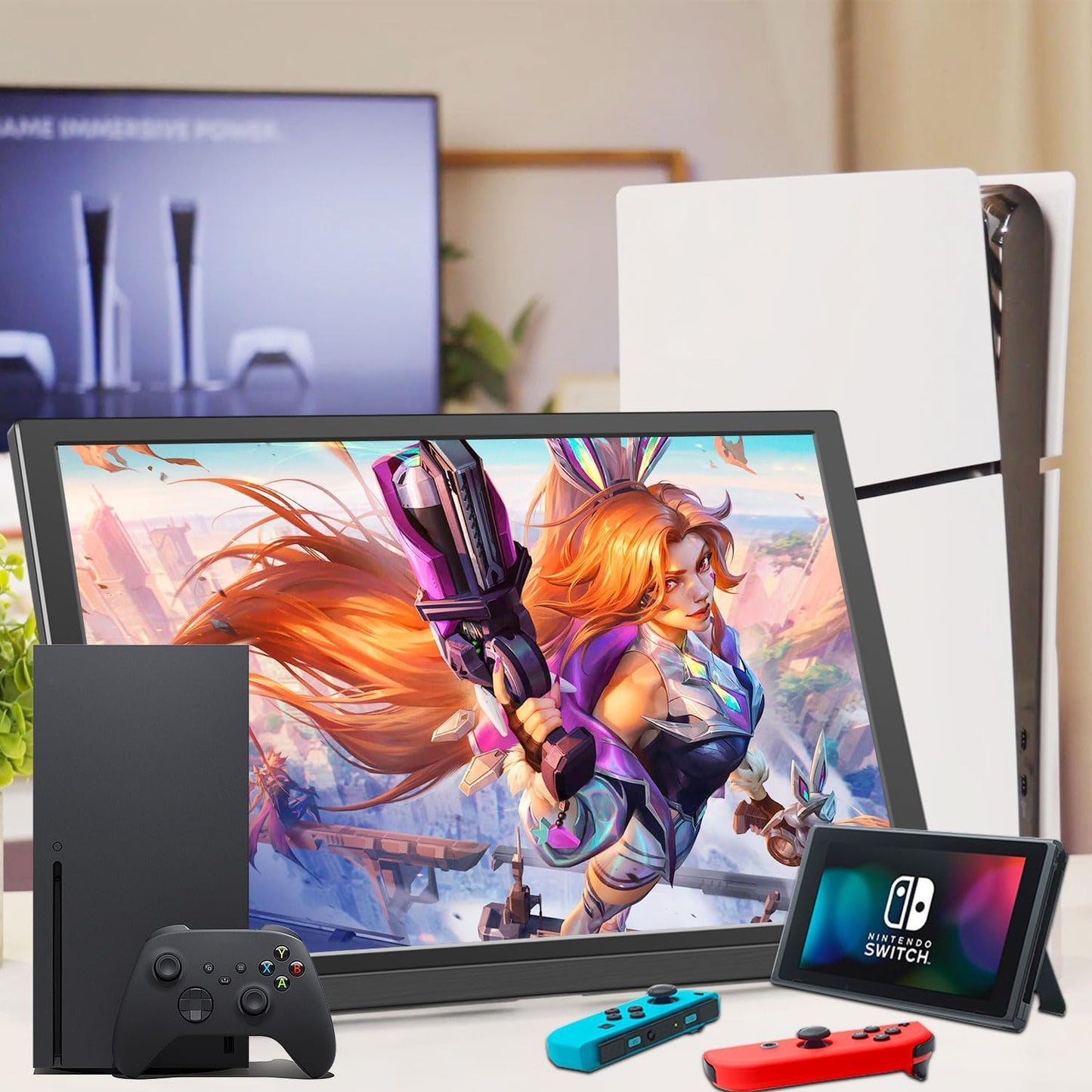
Convenient for your work, connect phone or computer to show the content . It weight 1.77lb, easily carry on business trip, visit. Specialized design: IPS screen, build-in speaker, build-in kickstand The 15.6" portable monitor compatible with most of smart phone ( 3.1 USB C full function interface ), extend your phone screen, bring you great visual experience when watching TV, seeing movies and the built-in kickstand, let you put it anywhere easily. Features: offer 178°f viewing angle, 16:9 (4:3) aspect ratio, 300cd/m2 brightness,60Hz refresh rate Note: use DC charger to supply for monitor while using 15.6inch portable monitor widely for computer and laptop, use HDMI cable to connect computer to monitor, there are three modes for your option: duplicate mode, extend mode, second screen mode, which give you different solution during work, conveniently show your project or chart in meeting. NOTE: If connect a mouse or keyboard through OTG port to operate, still need to use USB-C cable to connect (USB A interface to computer, USB C interface to monitor), DC power supply at the same The monitor compatible with switch PS3 PS4 Xbox, use HDMI cable to connect device to monitor, and use DC charger to supply for monitor at the same time What's in the box ? Portable monitor*1, USB C to USB C cable*1, HDMI cable*1, DC Charger*1, Manual*1. What's type of device can be connected ? Device with Type-c (USB3.1 full-function port that supports the transmission of audio and video signals) or with HDMI . How to connect ? Plug and play, no driver needed. Please note it need to be charged by DC charger when using. Why do the screen splash ? Make sure the connection of the cable is in place and contact well, and you can try to use another HDMI or Type C cable to connect. Why do the mouse don't work ? If connect a mouse or keyboard through OTG port to operate, normally display after connected by HDMI, still need to use USB C cable to connect (USB A interface to computer, USB C interface to monitor), DC power supply at the same
Share