

e21224
Shower Phone Holder with Bluetooth Speaker IPX4 Waterproof Anti-Fog Touch Screen Wall Mount Phone Holder for Shower Bathroom
Shower Phone Holder with Bluetooth Speaker IPX4 Waterproof Anti-Fog Touch Screen Wall Mount Phone Holder for Shower Bathroom
Couldn't load pickup availability
Specifications:
Bluetooth effective distance: 10m
Working time: up to 10 hours
Battery capacity: 800mAh
Features:
1. Waterproof and antifogging: IPX4 waterproof, with speakers and buttons, waterproof drama shower and chase drama are correct.
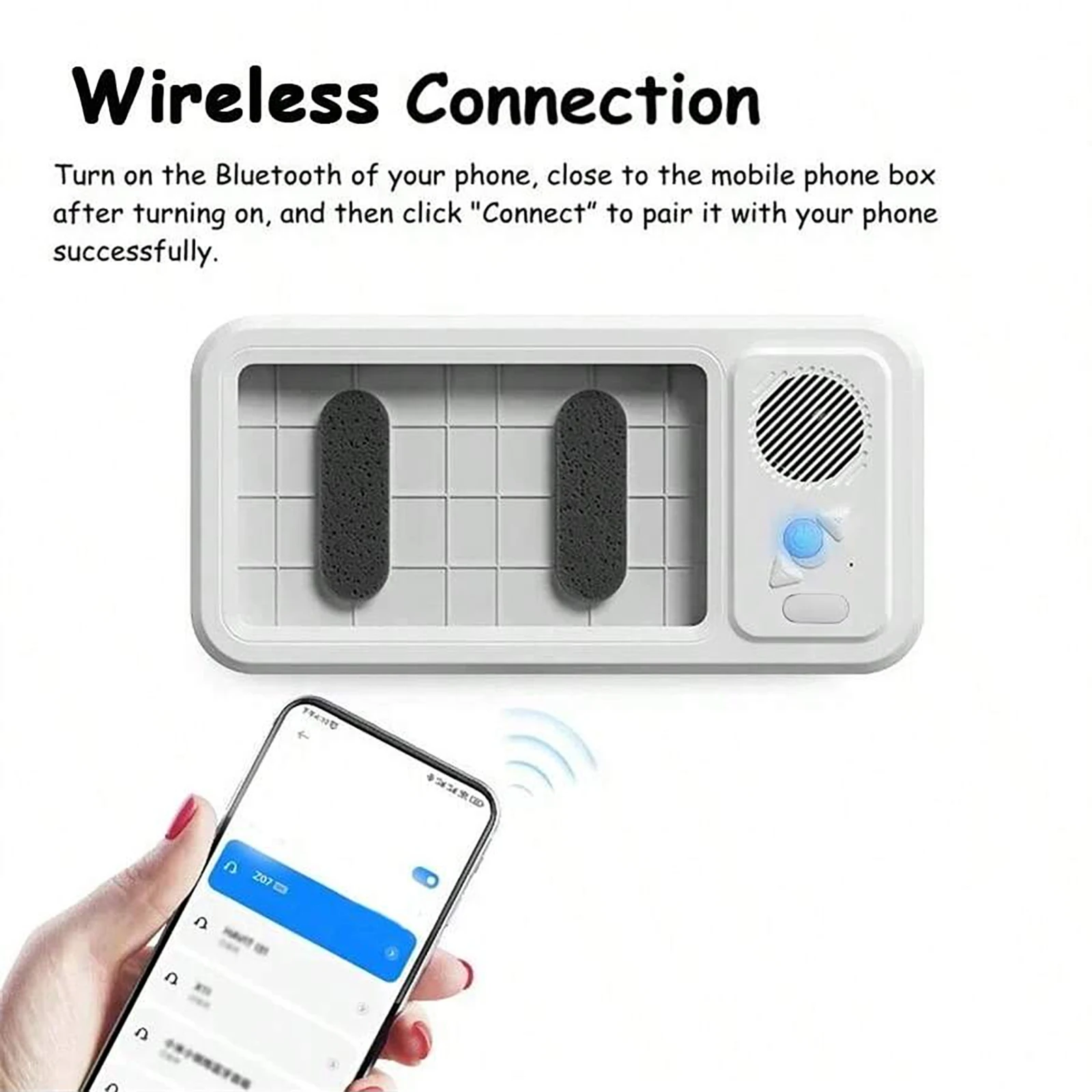
2. Bluetooth connection: activate the mobile phone wall box, open the Bluetooth connection, and the matching is successful.
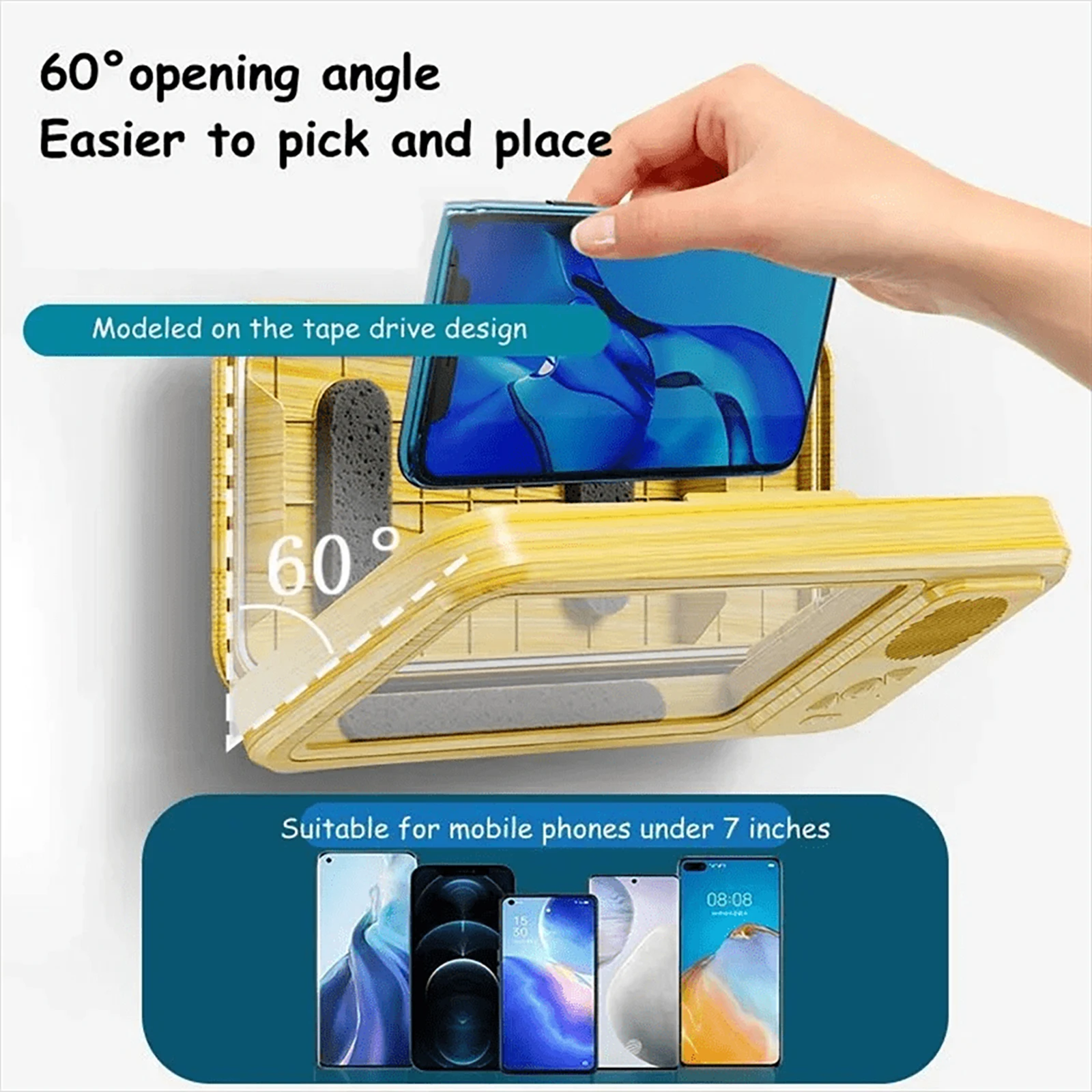
3. Mobile phone fall prevention: 60 ° fixed angle design, imitating tape drive, protects mobile phone for easy picking and placement.
4. Space sound: surround sound, reasonable sound quality control
5. Long battery life: large capacity battery, magnetic charging, charging for 2 hours, continuous working for 12 hours. hour
6. Beautiful design: it can rotate 360 °, the maximum extension distance is 6cm, and the upper and lower angles can be adjusted to 40 ° - 75 °.
How to use it
Open the Bluetooth search device "Z07", and the pairing is successful after connection.
1. Press and hold the power on to display blue light.
2. Press and hold the power off, and the blue switch will turn off.
3. Click the On/Off/Pause/Receive Sound button.
4. Click+to play the next song, and press and hold to increase the volume.
5. Click Play Previous Song, and press and hold to lower the volume.